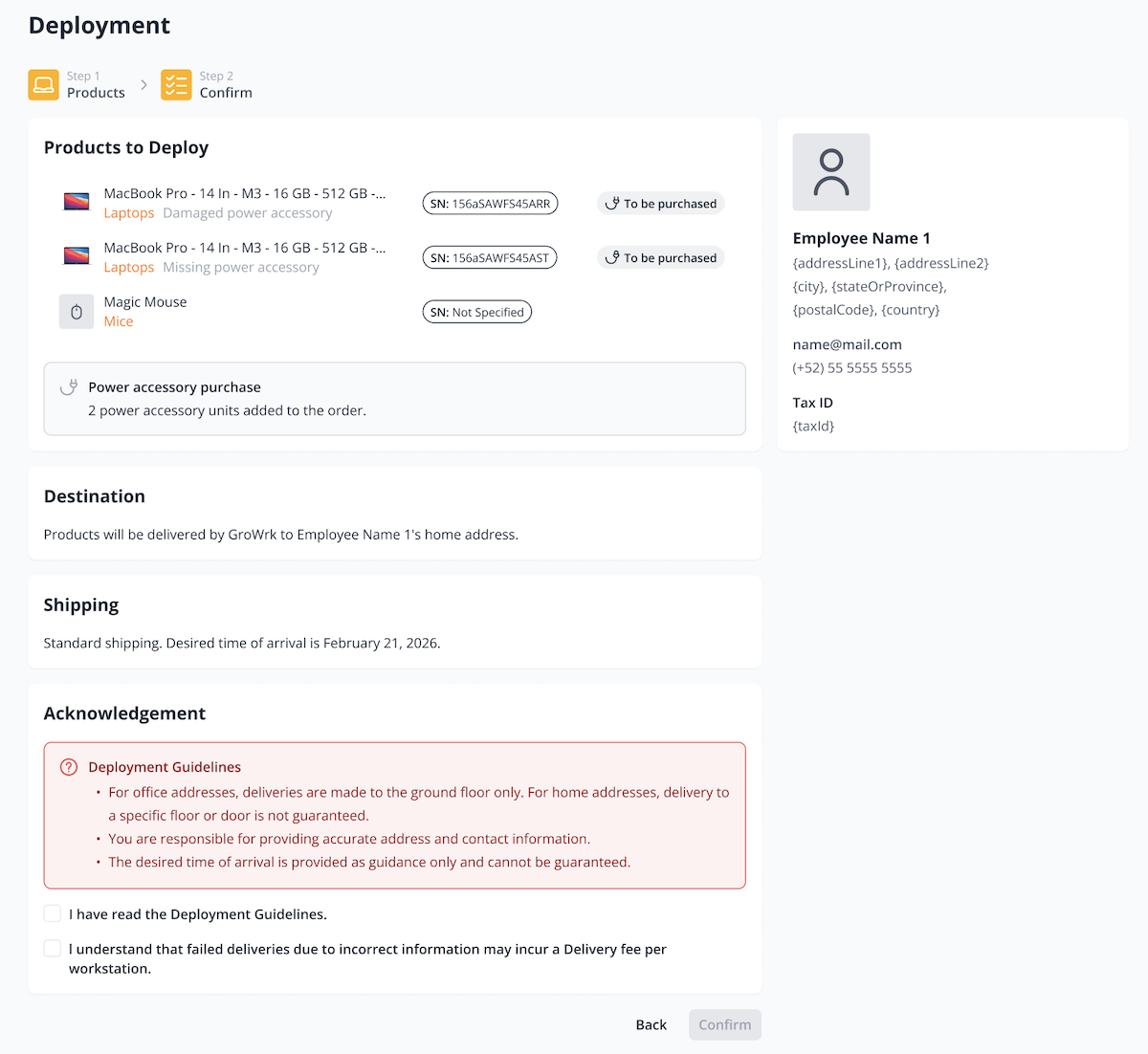
Deployment
This order type is for delivering assigned products to an employee or office from your company's existing inventory pool in a GroWrk warehouse.
There are three ways to place a Deployment order:
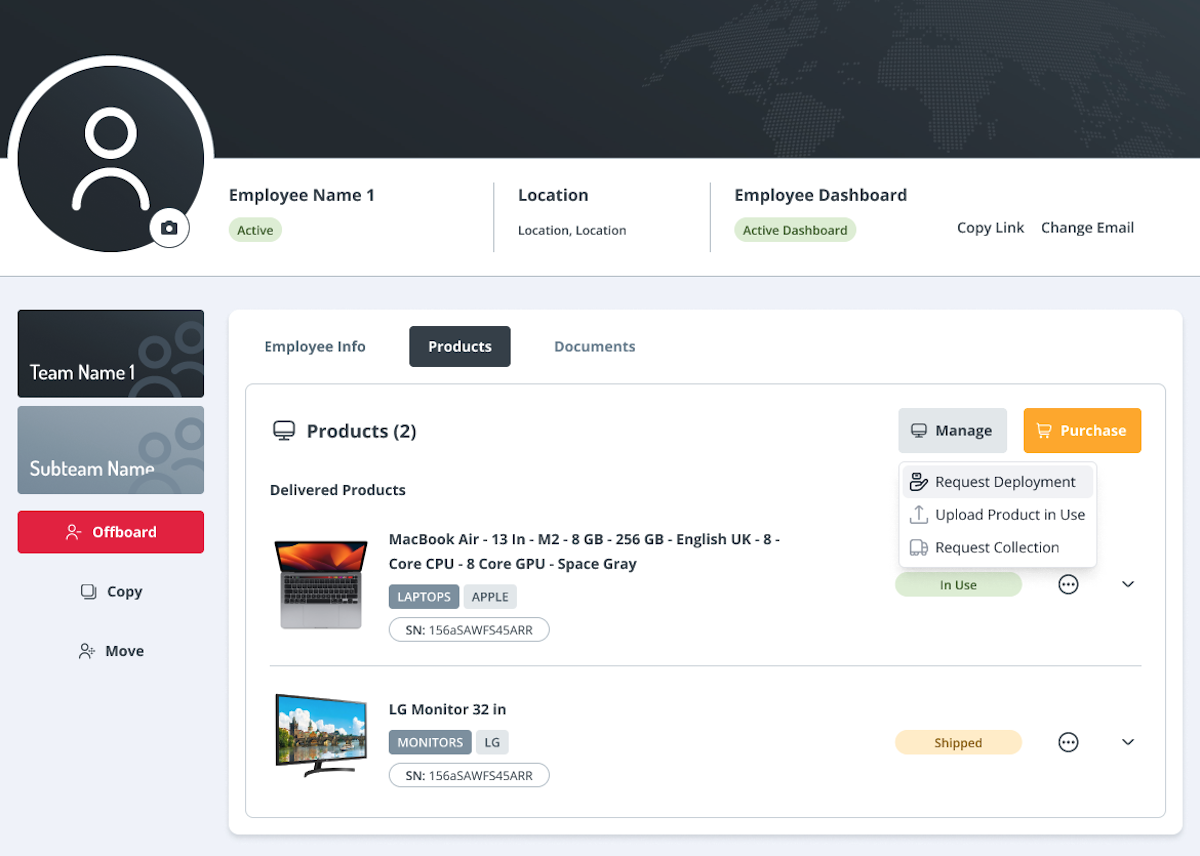
- Employee profile: Select Request Deployment to deploy a product directly from the GroWrk warehouse to an employee.
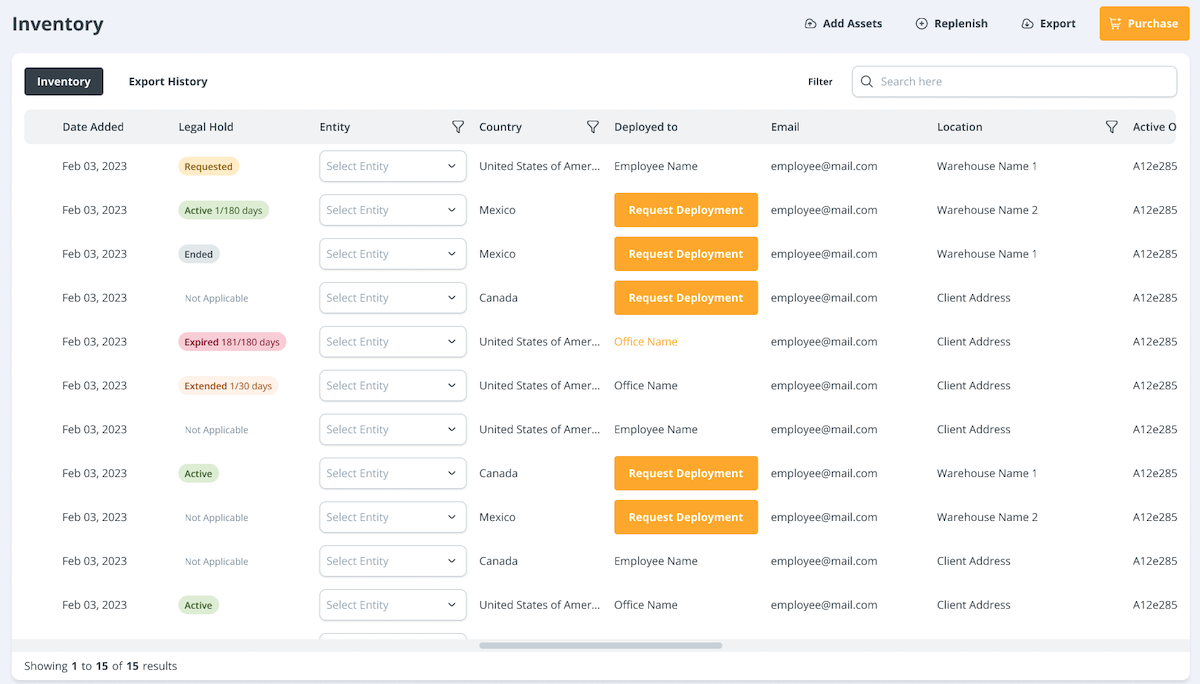
- Inventory page: Find a product and select Request Deployment. Then, choose whether to deploy it to an employee or an office.
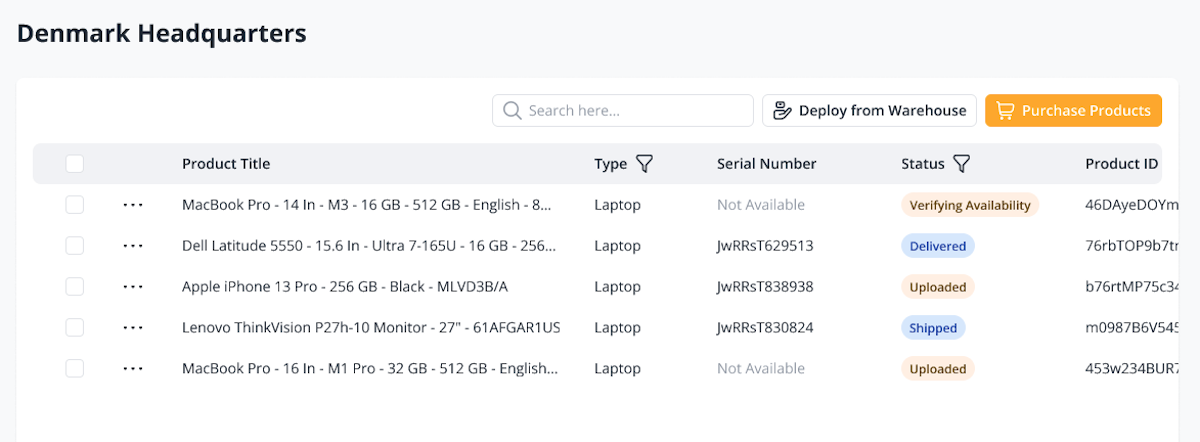
- Office Inventory page: Select Deploy from Warehouse to deploy a product directly from the GroWrk warehouse to your office.
Place order
- First, select the products that will be be deployed from the warehouse. If you entered this flow from the Inventory page, the product will be preselected.
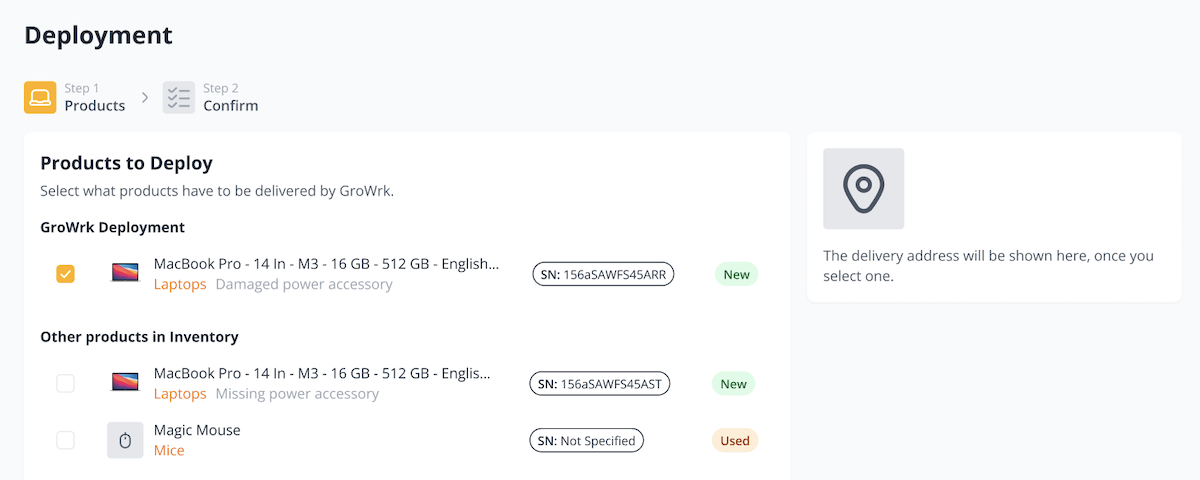
If the product you selected is missing a power accessory or includes a damaged one, you can add a power accessory purchase here or continue without purchasing. If you add one, the power accessory will be quoted.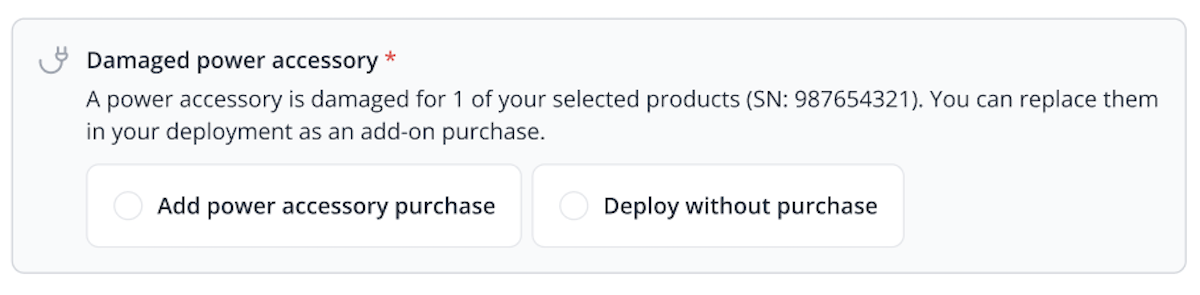
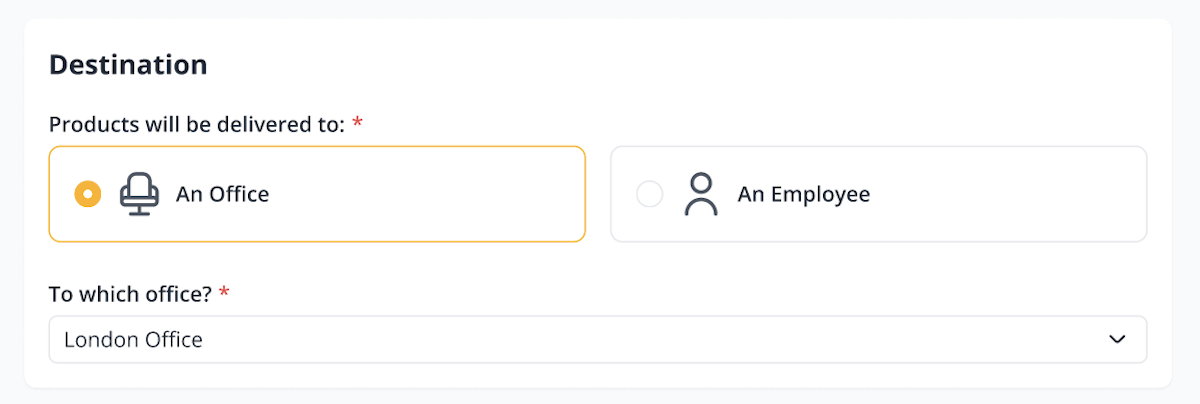
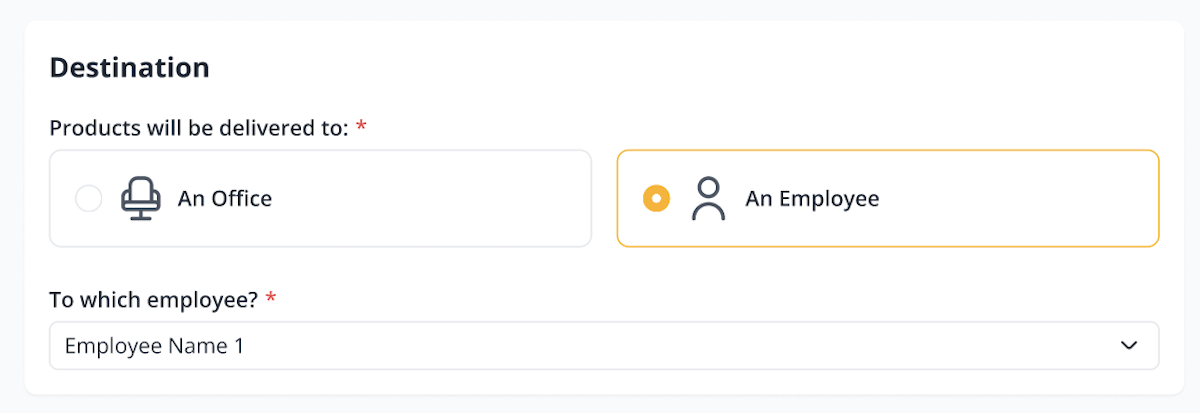
- Select the product destination, either an employee or an office address. If you entered from the Employee Profile or Office Inventory page, this will be preselected.
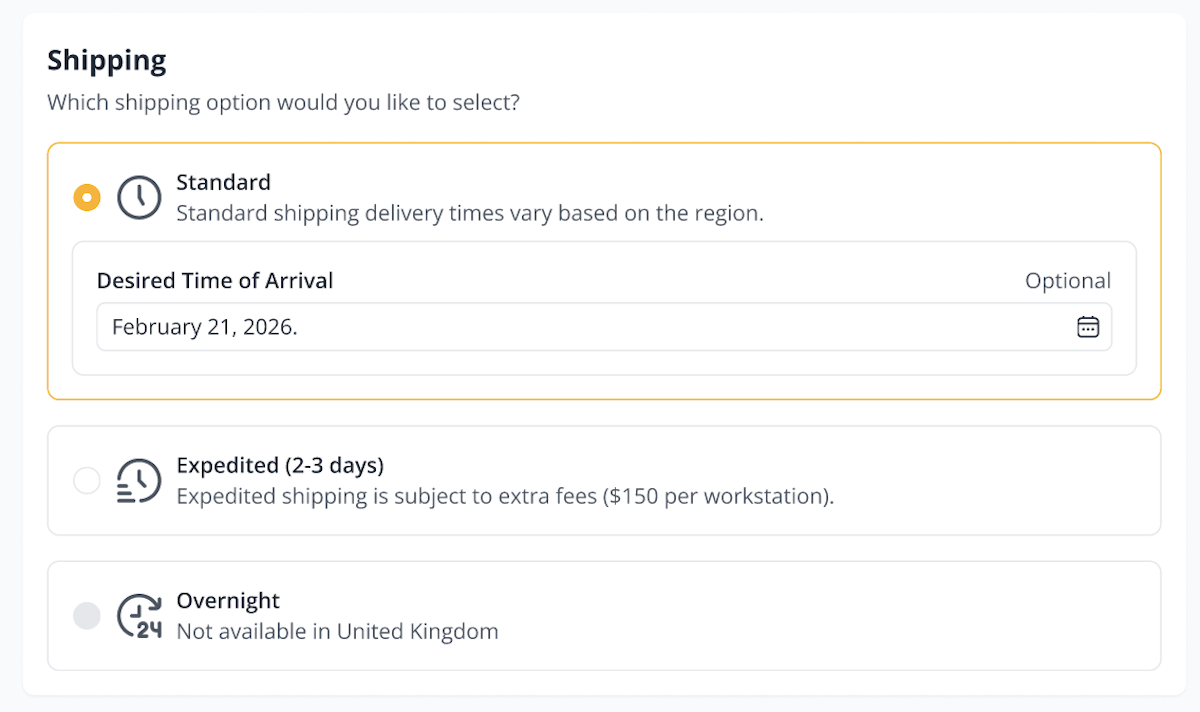
- Next, select from standard, expedited, or overnight shipping options. Please note that availability of the Expedited and Overnight shipping services depend on the region this order is for.
- Lastly, review deployment the order details and review the guidelines below. Select both checkboxes to acknowledge you've read and agreed to the terms. Then select Confirm to place the order.