Reset Password
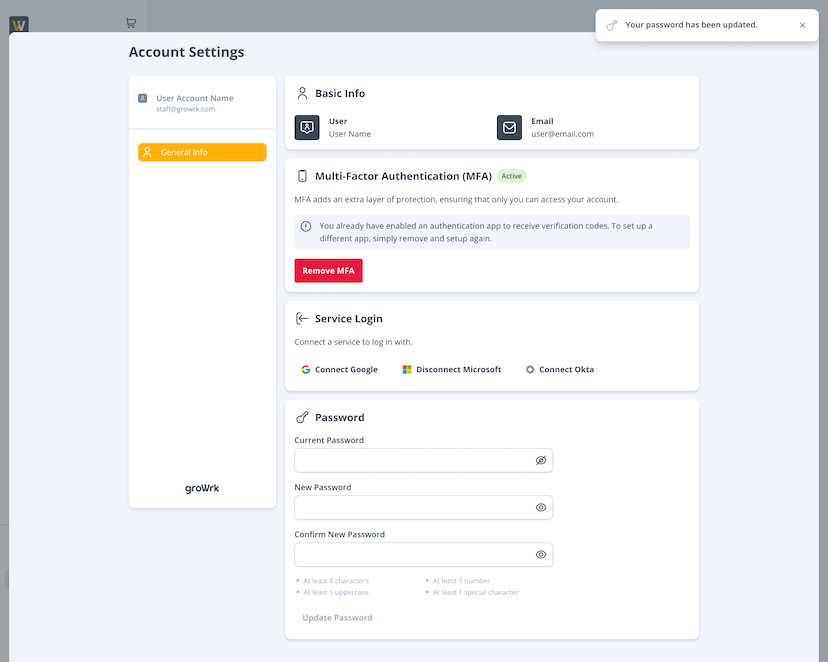
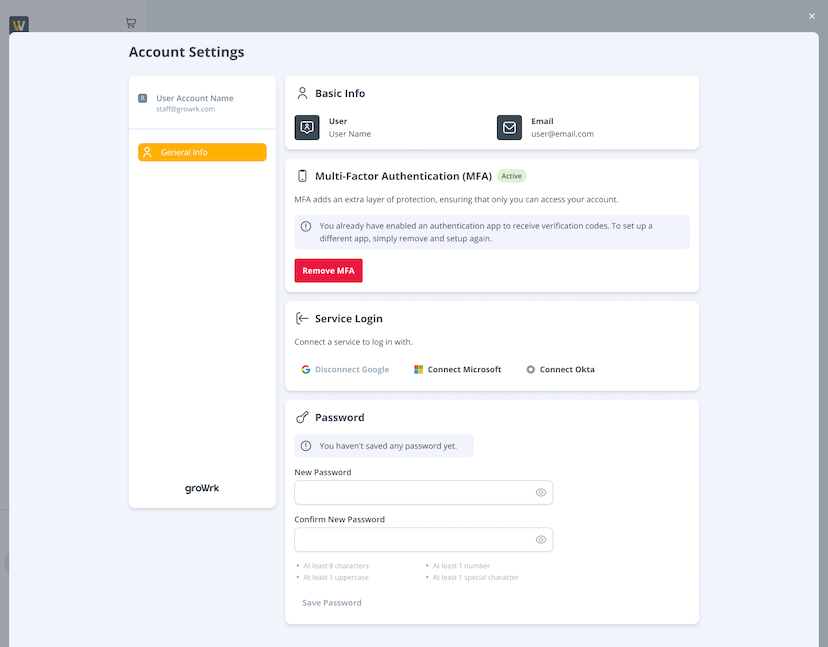
Learn how to change your GroWrk password in your Account Settings.
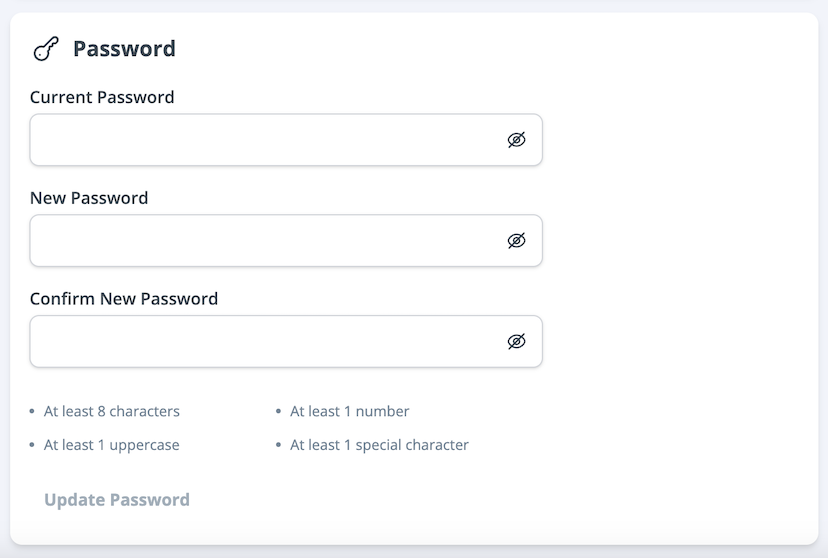
- In the password section, enter your current password, new password, then the new password once more for confirmation. Ensure your new password meets the four requirements for setting a strong password.
- Select Update Password. You’ll be notified once the change has been made, and you’ll be able to log in with the new password in your next session.