Product Page
Learn about all the details and features within the product page in the Dashboard. This page allows you to track, manage, and assign individual products.
Navigate to a specific product’s page from several key areas within your Dashboard:
- Inventory Table: Select any specific product within your inventory list to view its individual page.
- Employee Profile: Navigate to a specific team member's profile and select an assigned product to view its details, status, and history.
- Order Page: Select a fulfilled item from an order page to view the specific product.
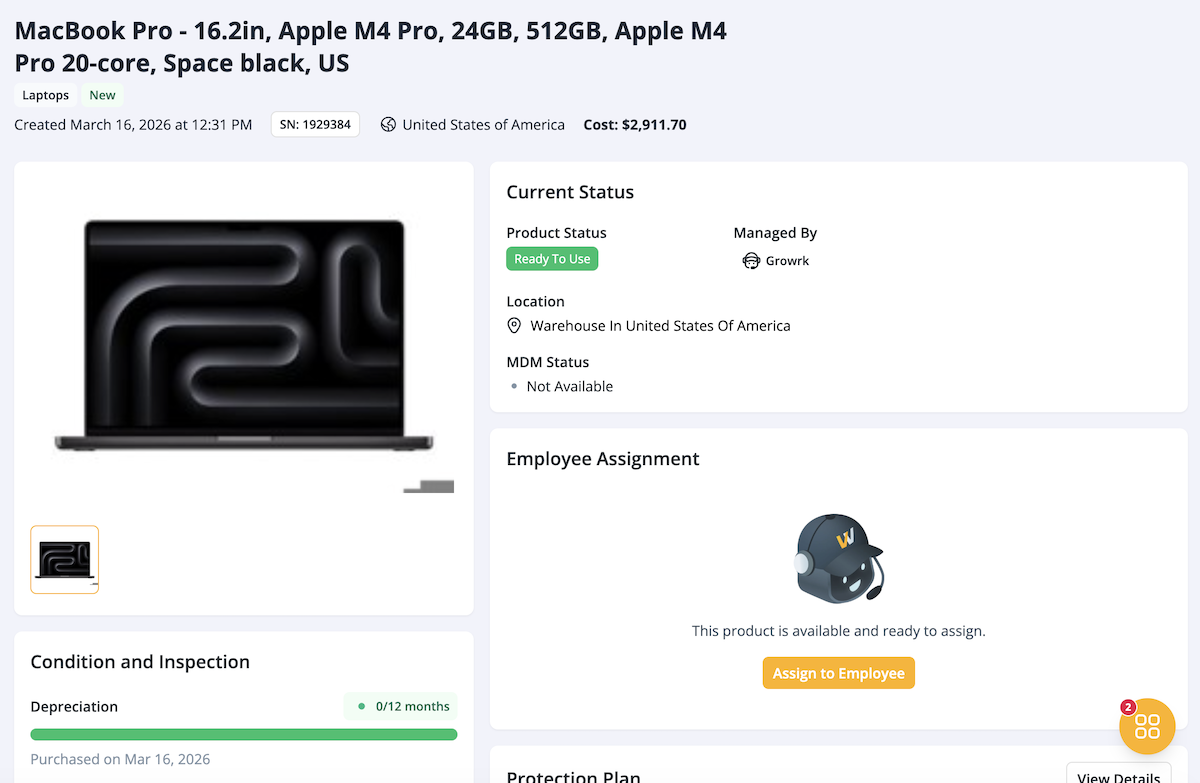
Product header and general information
The top section contains the primary identification details for the product:
- Product Name
- Product Type and Condition
- System Details: The date the product was added to the Dashboard, the serial number, and the country it is located in.
- Cost

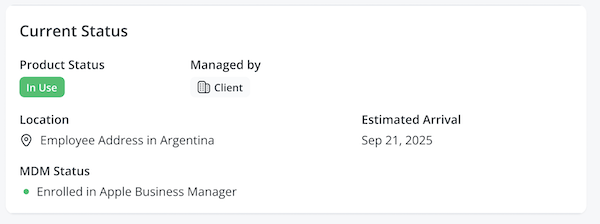
Current Status
This section tracks the real-time management information of the product:
- Product status: Shows the current operational state of the product (e.g. In Use, Ready to Use, etc.).
- Managed By: States who is currently responsible for the device management.
- Location: The current location of the product, such as a warehouse or employee’s address.
- MDM Status: Shows if the product is enrolled in an MDM service.
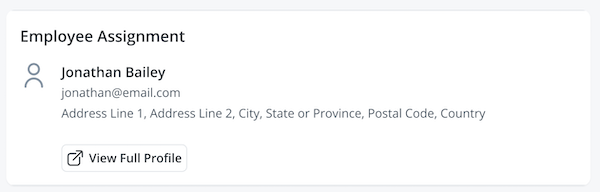
Employee Assignment
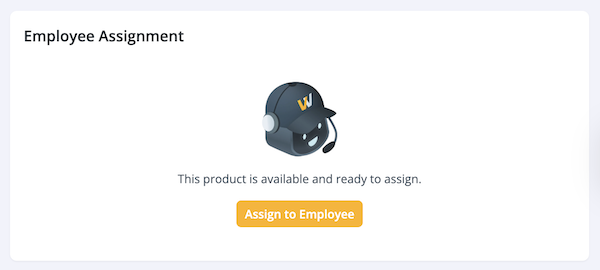
This section manages the deployment of the product. If this product is currently in use, the user’s name and information will be displayed.
If the product is located in the warehouse and ready for use, you can assign it and you’ll be directed to the Assign to Employee order flow.
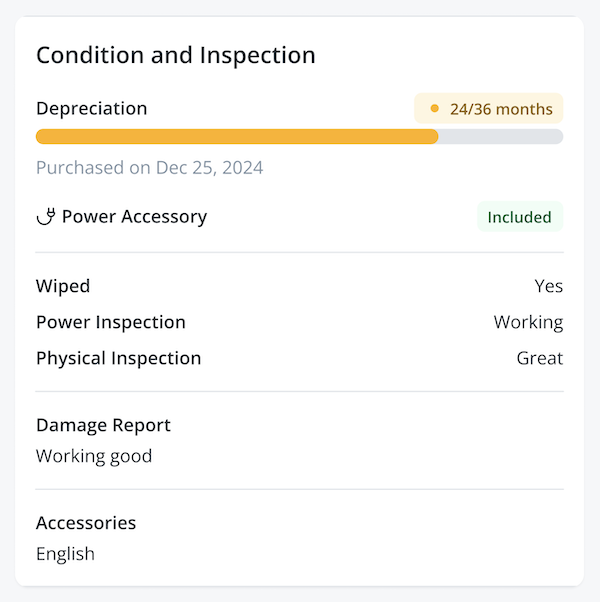
Condition and Inspection
This section monitors the lifecycle and depreciation of the product. If the product has been inspected or wiped, it will be indicated here with the respective report.
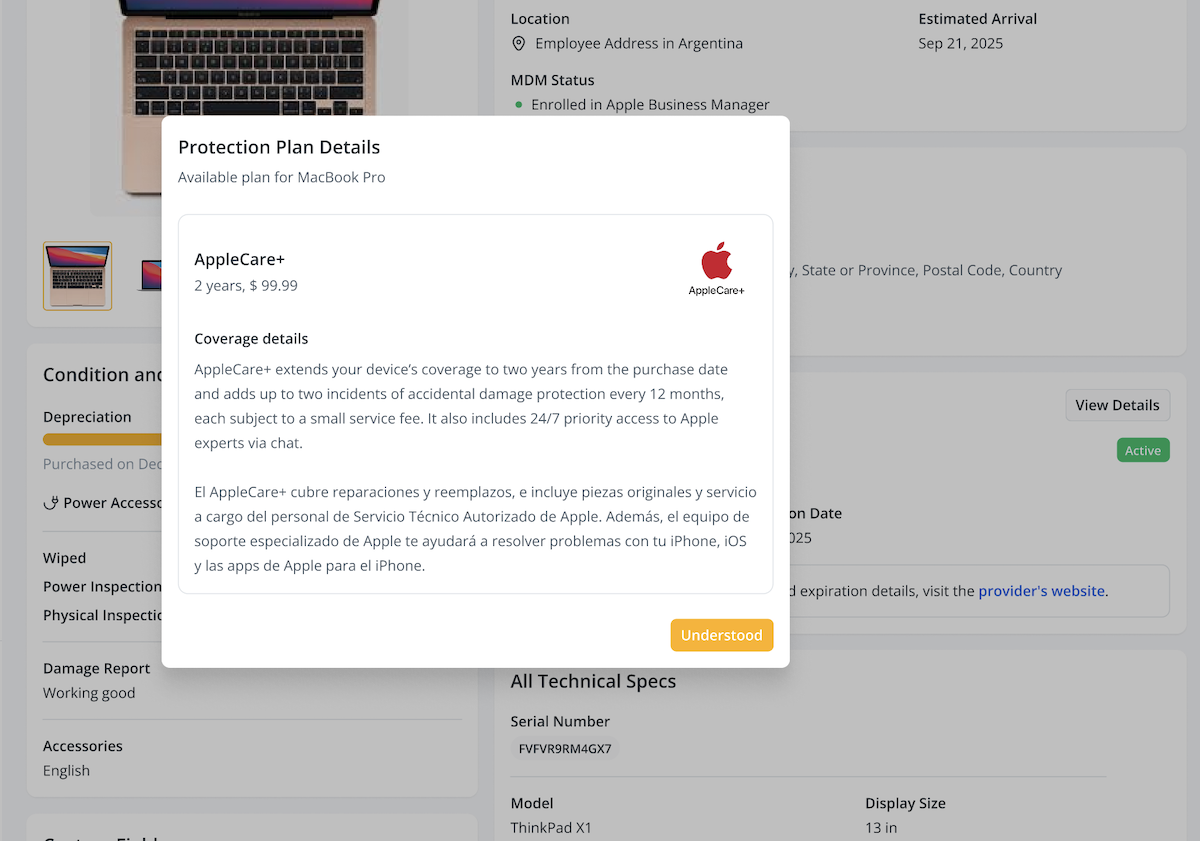
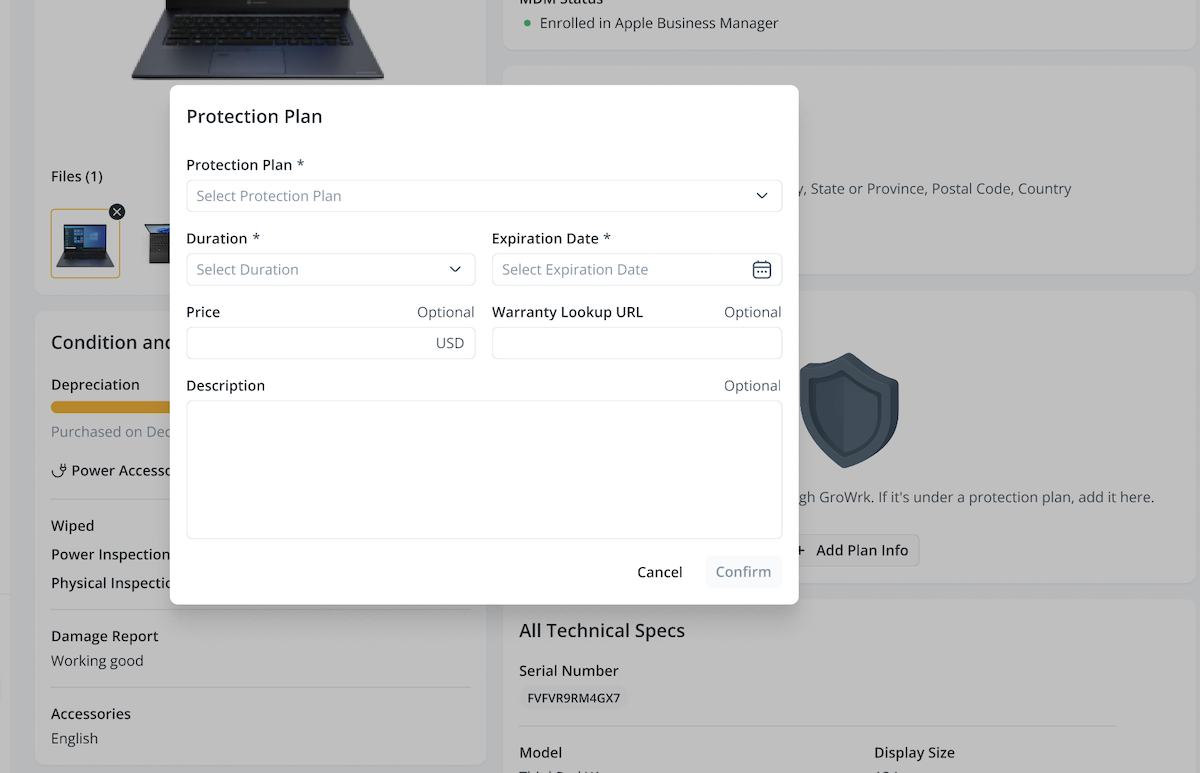
Protection Plan
If the product is covered by a protection plan that was bought through GroWrk, this section will display information such as pricing, duration, and coverage. Use the View Details button to see all coverage details.
You can also add records of protection plans for products that were not purchased through GroWrk. To add the plan information, select Add Plan Info.
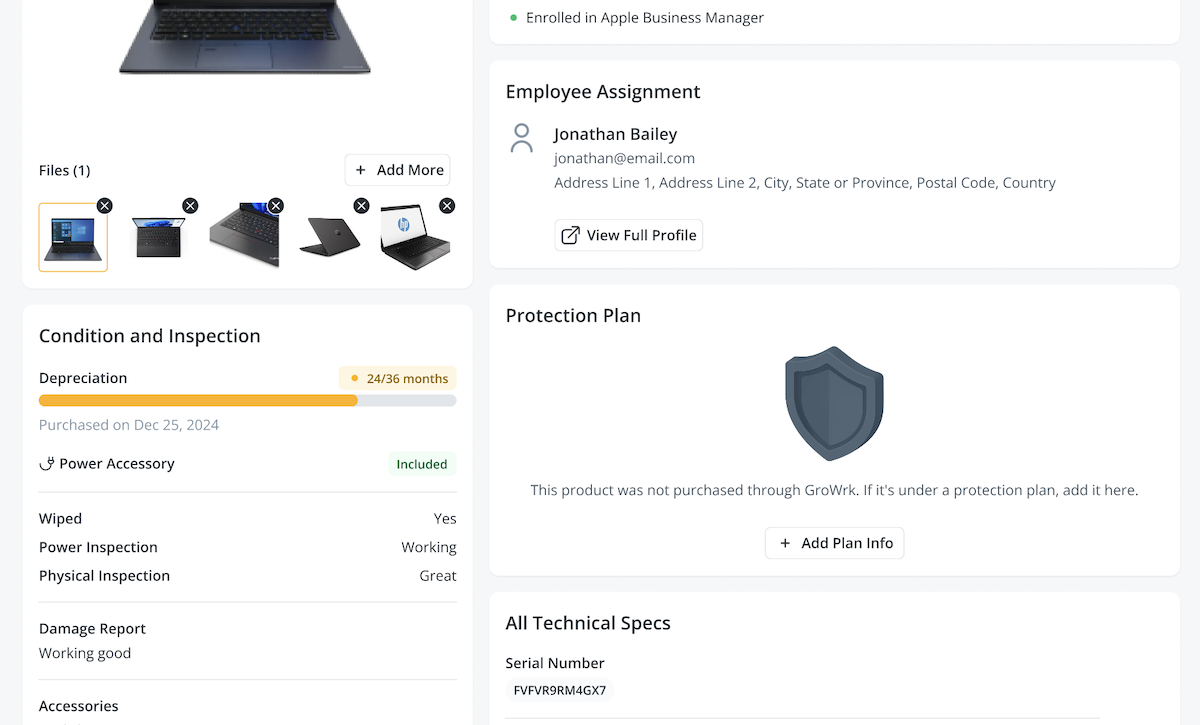
Fill out the protection plan details in the modal, then select Confirm. Please note that externally bought plans are subject to review to determine if maintenance services by GroWrk can be covered.
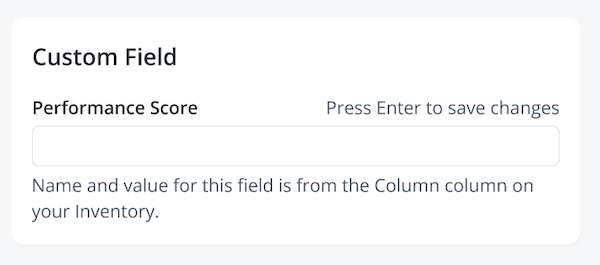
Custom Field
This section displays the information you've chosen to track beyond our standard fields. The custom column you've created on the Inventory page will be reflected here for this specific product.
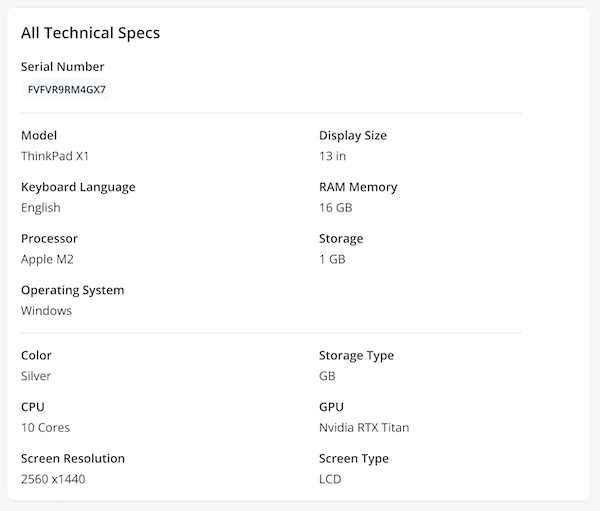
All Technical Specs
This section gives a breakdown of the product’s internal components and capabilities. Key details include:
- Model
- RAM Memory
- Display Size
- Storage
- Processor
- Operating System
Additional optional details include:
- Color
- Storage Type
- CPU
- GPU
- Screen Resolution
- Screen Type
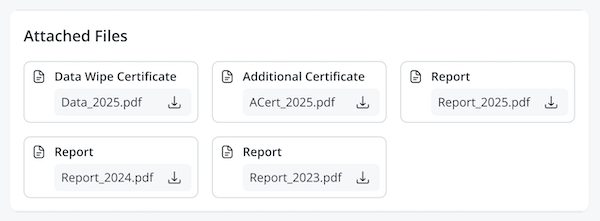
Attached Files
Access any files related to the product here, including data wipe certificates, damage reports, and more.
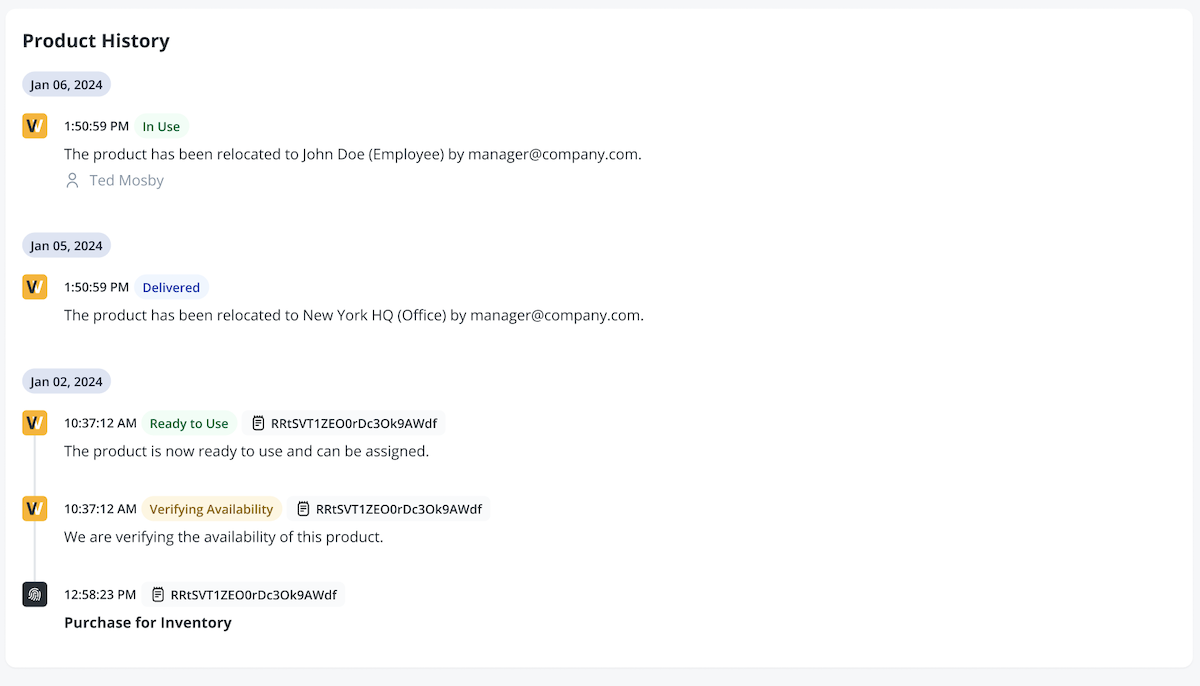
Product History
The Product History consists of logs that track every event in the product’s lifecycle. It includes:
- Product status changes
- Records of when the product was purchased or added to the Dashboard
- Movement between warehouse, home addresses, or offices
- Legal or preventive hold status updates