Oomnitza
Learn how to connect your Oomnitza account to your Dashboard and sync your company information to manage IT assets seamlessly.
Connect your account
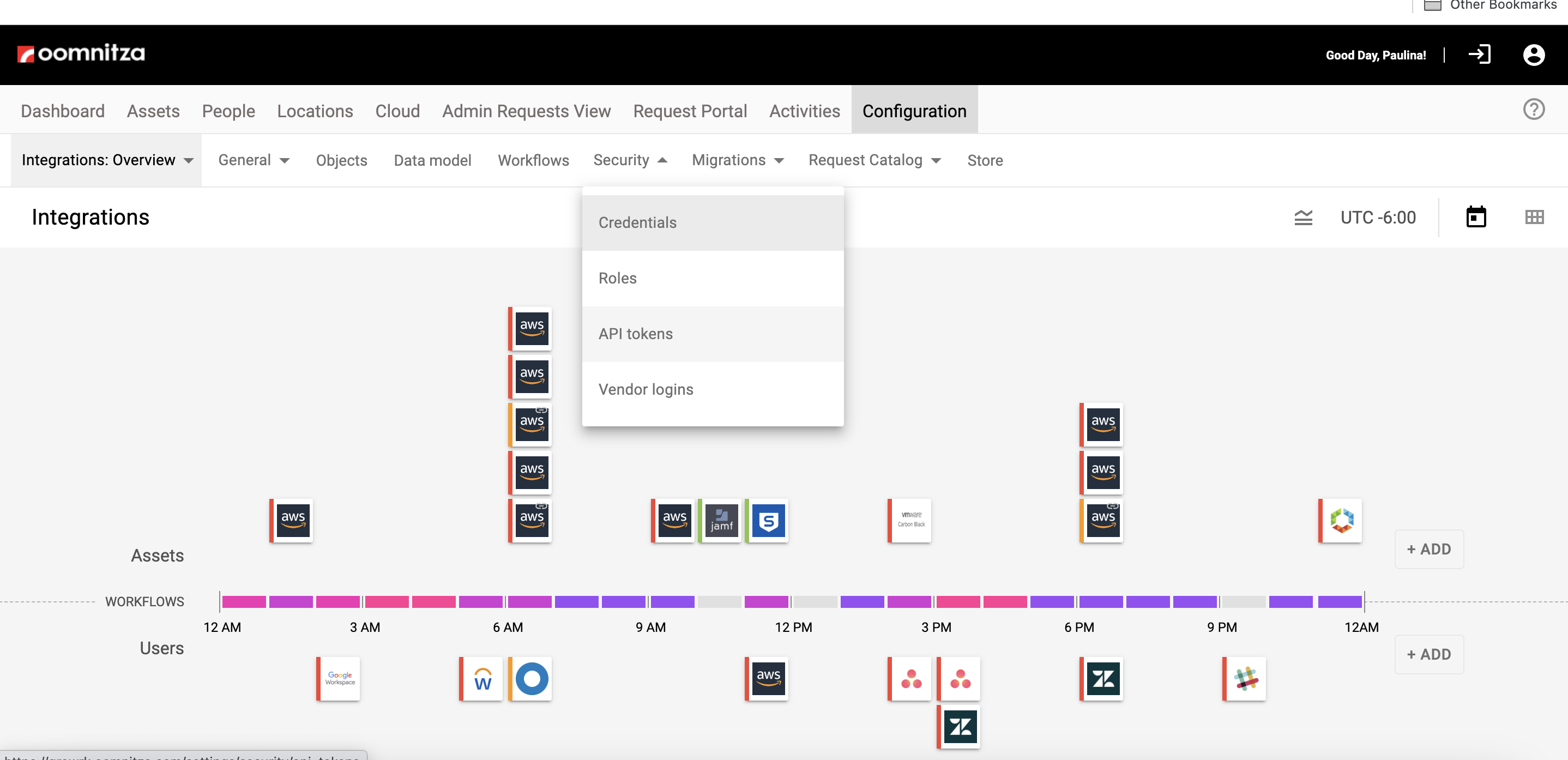
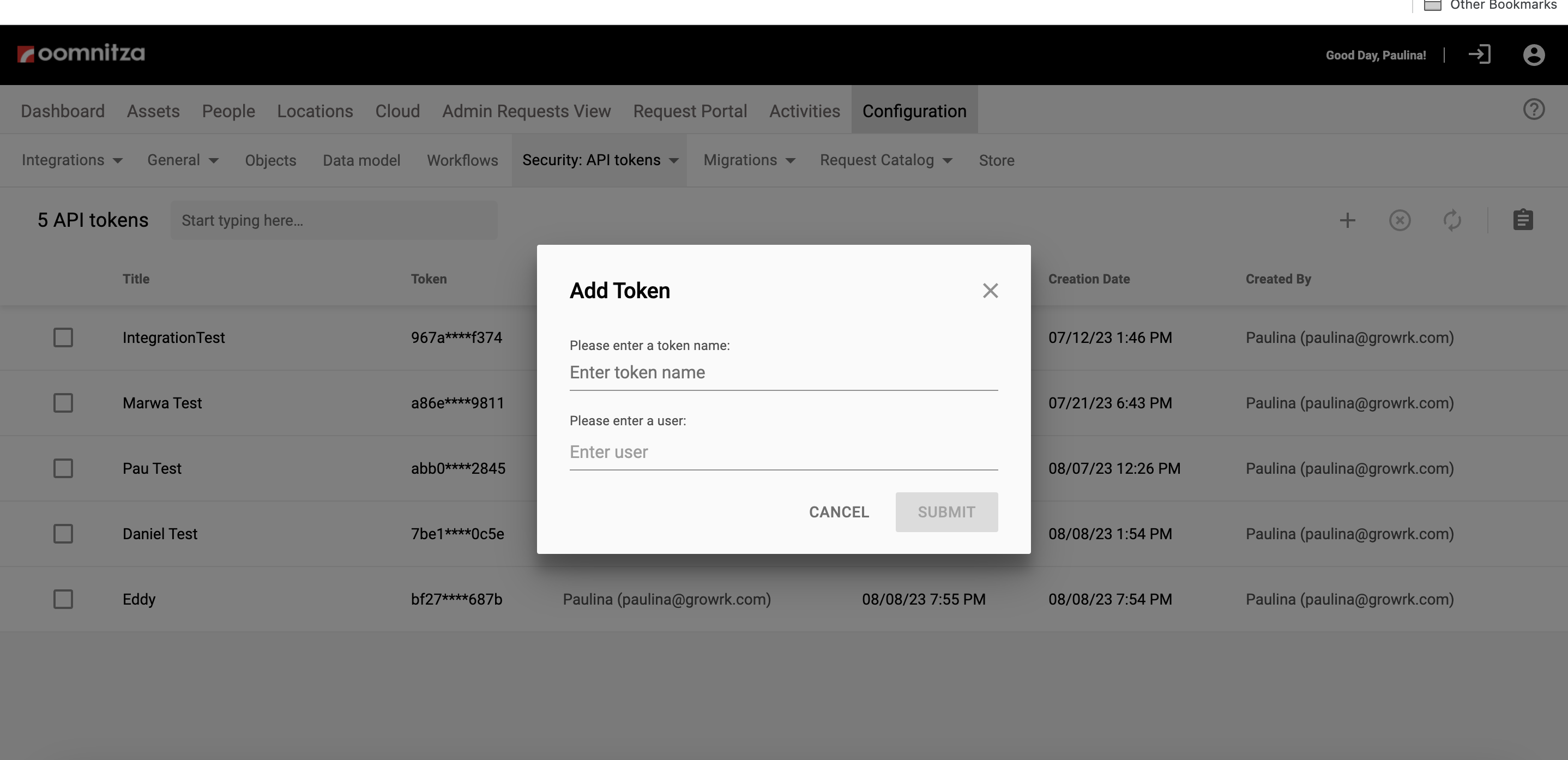
- Copy a new API key in Oomnitza. You can find the API in Configuration - Security - API Tokens.
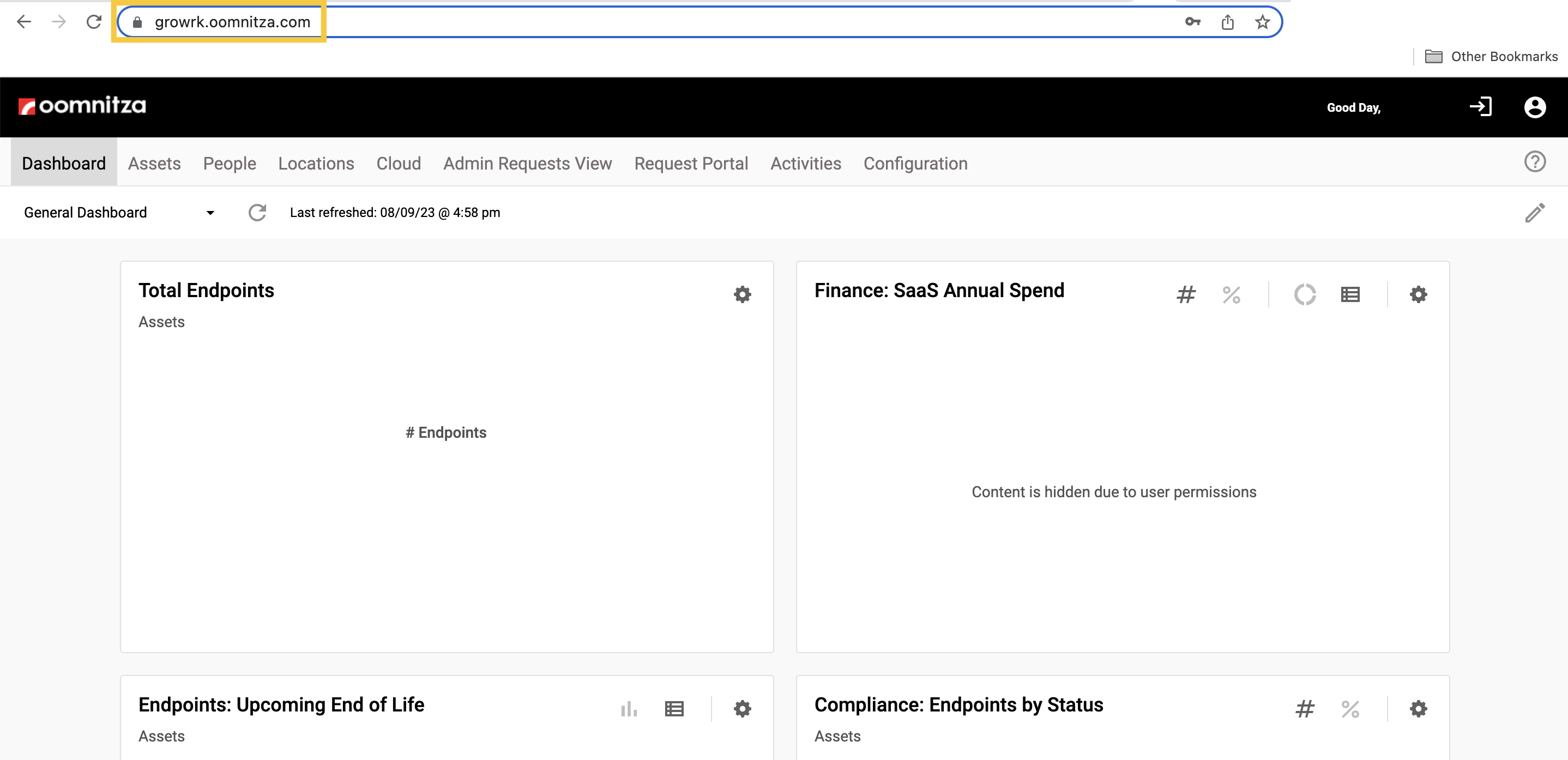
- Copy your Oomnitza URL.
- Add your Oomnitza URL and API key.
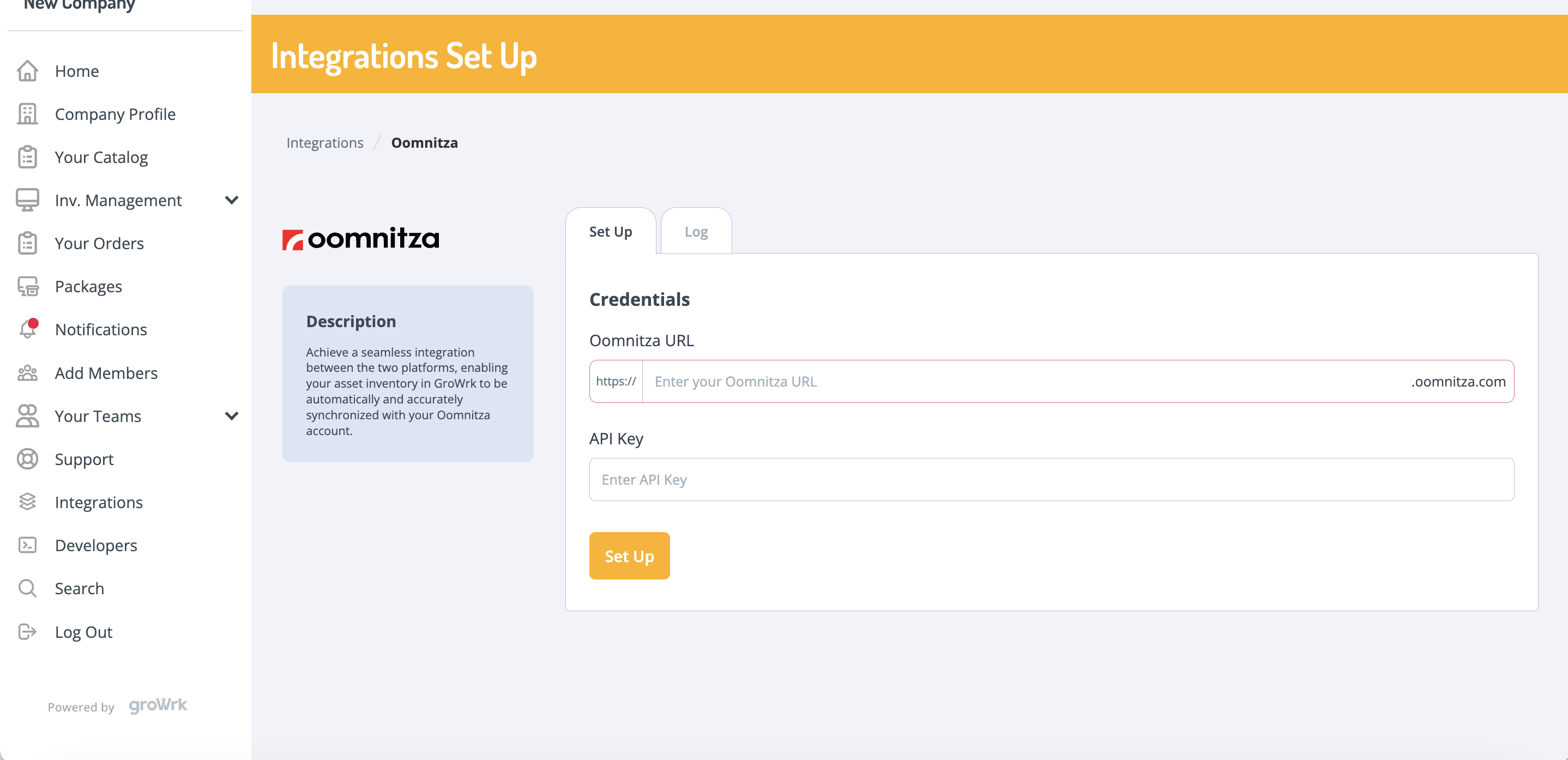
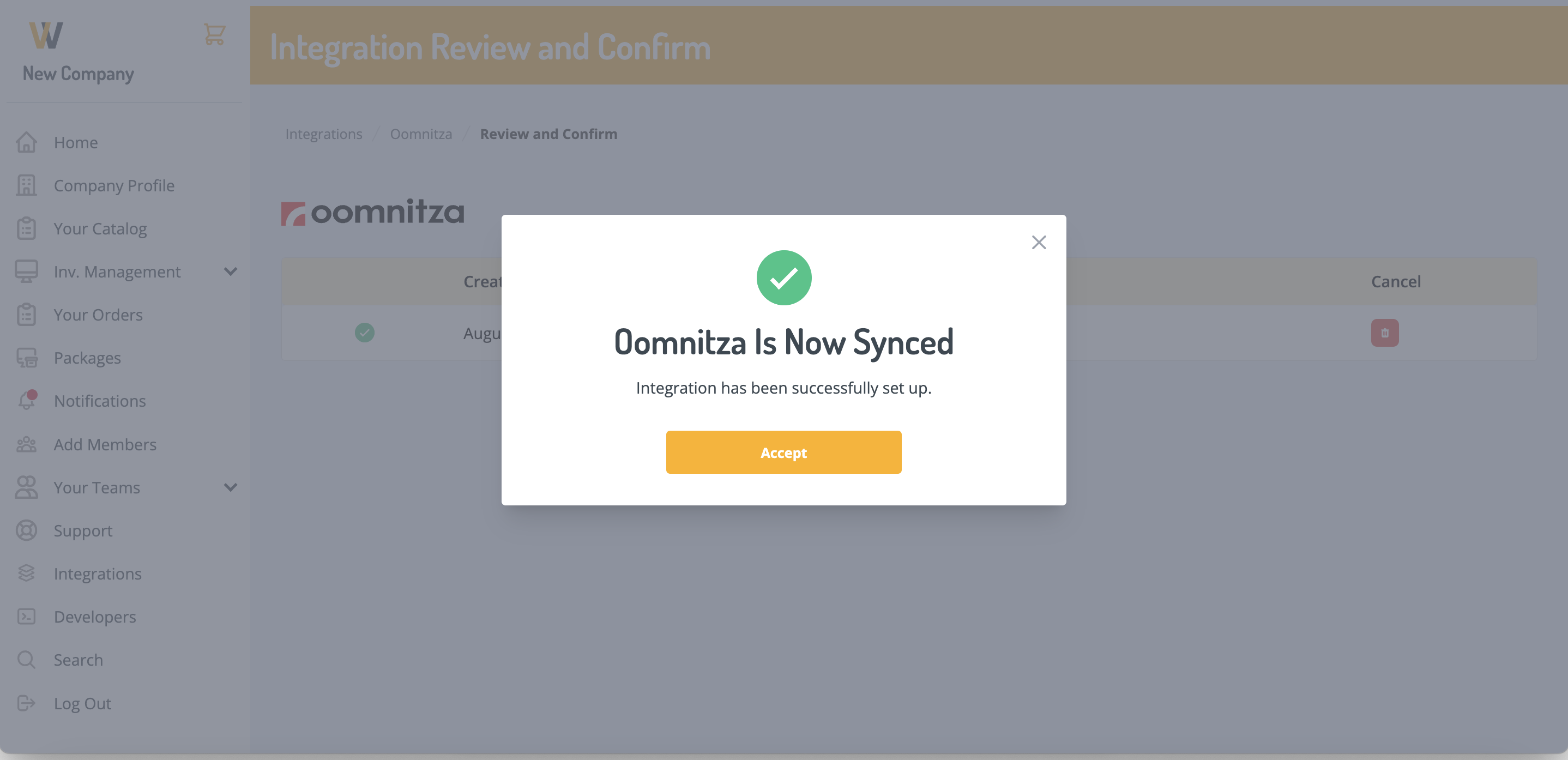
- Click Set Up and the integration will be connected.
Synced Fields
These fields are synced from GroWrk to Ooomnitza:
- Employee email
- Employee display name
- Product manufacturer
- Product ID
- Product model
- Product purchase price
- Product purchase currency
- Product tracking link
- Product purchase date
- Order ID
- Order status
- Order type
- Product status
- Product title
- Product type
- Product location
- Product country
- Product serial number
Expected Payload
{
  grk_personal_email
  grk_employee_name
  grk_manufacturer
  grk_product_id
  grk_model
  grk_purchase_price
  grk_purchase_currency
  grk_tracking_info
  grk_purchase_date
  grk_order_no
  grk_order_status
  grk_order_type
  grk_status
  grk_product_name
  grk_product_type
  grk_location
  grk_country
  serial_number
  equipment_id
}
Resync
This integration automatically syncs product data whenever a product is created or its status changes. To push all existing products at once, click the Update button on the Oomnitza integration page.